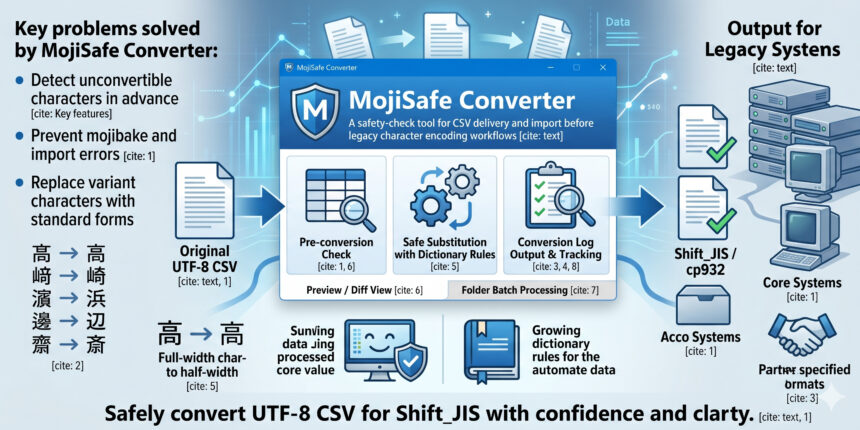
A safety-check tool for CSV delivery and import before legacy character encoding workflows
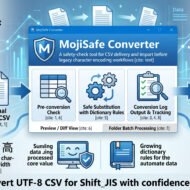
MojiSafe Converter is a Windows app designed to safely pass TXT / CSV files created in newer encodings such as UTF-8 to older systems that assume Shift_JIS / cp932.
Its key strength is not just simple character encoding conversion, but the ability to detect unconvertible characters in advance, replace them, and track them through logs.
It is available for free as open source on GitHub:
https://github.com/StayHomeLabNet/MojiSafe-Converter
You can download it here:
https://github.com/StayHomeLabNet/MojiSafe-Converter/releases/
You can find the instruction manual here:
https://github.com/StayHomeLabNet/MojiSafe-Converter/blob/main/docs/MojiSafe_Converter_User_Manual.md
Situations where this app is especially useful
1. Before importing CSV files into core systems or older business systems
There are many cases where import CSV files must be provided in shift_jis or cp932, such as for sales management, accounting, payroll, HR, and customer management systems.
If a UTF-8 CSV is passed as-is, it may cause mojibake or import errors.
With MojiSafe Converter, you can check problematic characters in advance and save the data in a safer form.
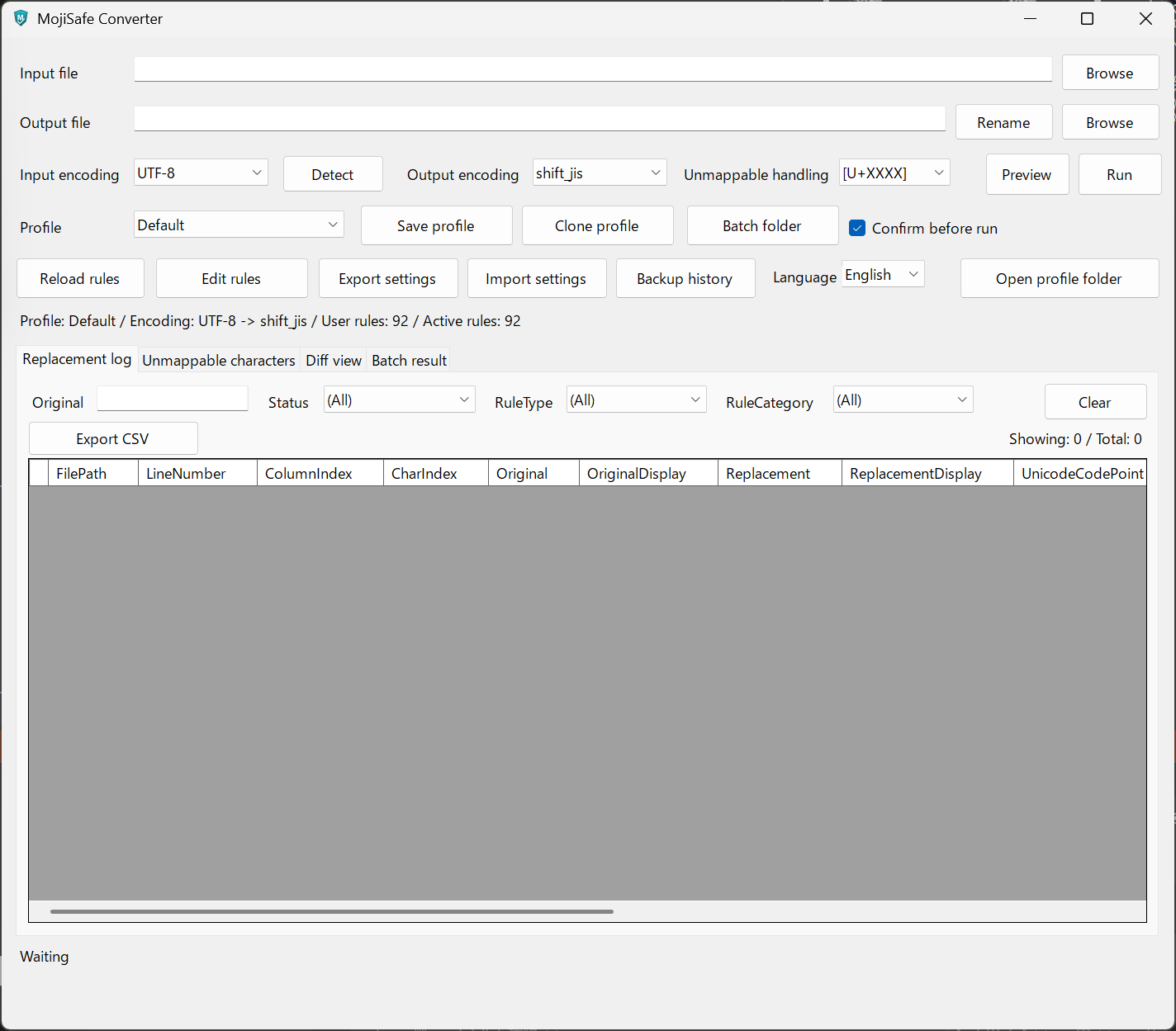
2. When handling data that contains variant characters in personal names or place names
For example:
髙→高﨑→崎濵→浜邊/邉→辺齋/齊→斎/斉
Customer names, employee names, addresses, and mailing data often contain such variant characters, so being able to review them before conversion is highly valuable.
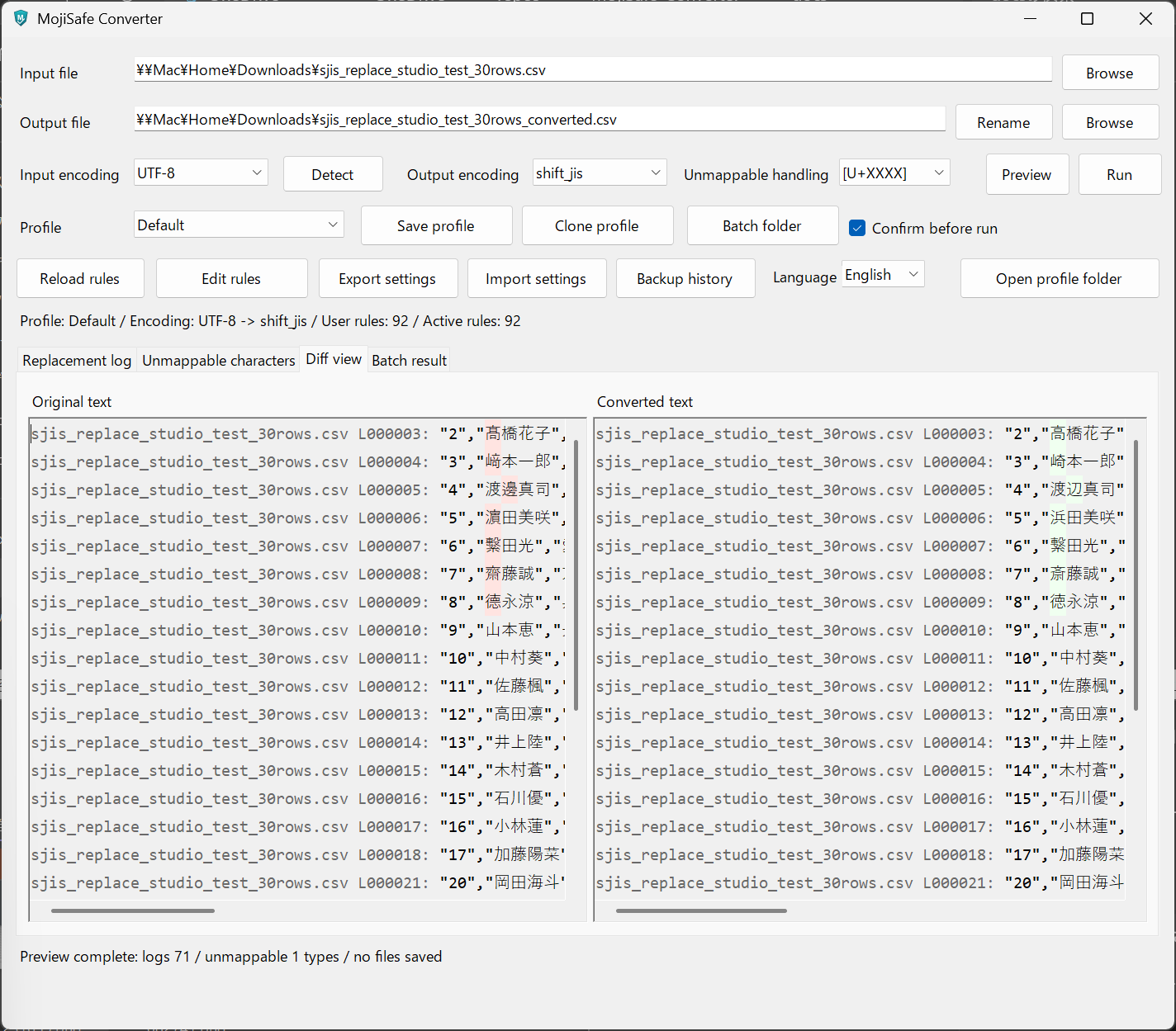
3. When delivering CSV files to Excel, external systems, or partner-specified formats
There are cases where a business partner requests, “Please provide the CSV in Shift_JIS.”
With ordinary saving methods, environment-dependent characters or symbols may turn into ? or disappear.
This app lets you keep a log of what was replaced and how, so you can verify it later.
4. Investigating mojibake or import errors
When you face a situation like, “Why can’t this CSV be imported?”, the unsupported character list and conversion logs are very useful.
You can check which file, which line, and which character caused the issue, making investigation and troubleshooting much easier.
5. When you want character replacement rules to follow internal company standards
For example, when your company has defined notation rules such as:
- Convert full-width symbols to half-width
- Normalize specific variant characters to standard characters
- Replace certain symbols with safer alternatives
- Remove invisible characters
In MojiSafe Converter, these rules can be managed as dictionary rules.
This helps reduce manual inconsistencies between operators and makes conversion quality easier to standardize.
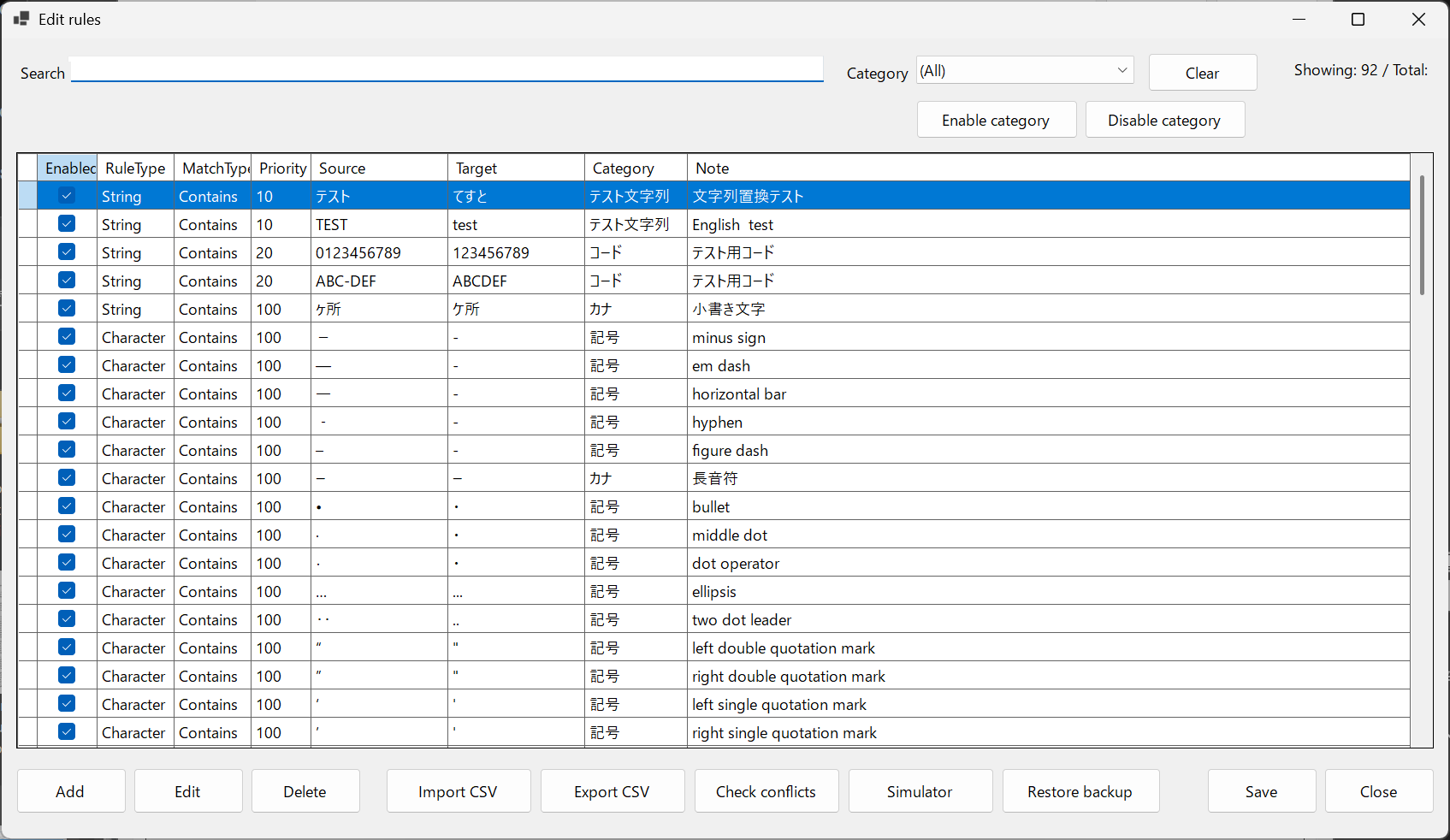
6. When you want to review before saving
This app includes preview and diff view features.
Instead of immediately creating the output file, you can review the results before saving, which is especially useful for important data such as names and addresses.
What matters is not just “replace mechanically and finish,” but allowing human review.
7. When you want to process multiple files at once
Because it supports batch processing by folder, it is also well suited to situations where you want to convert multiple CSV / TXT files together.
You do not need to open each file one by one, which makes it convenient for routine processing and pre-delivery checks.
8. When you want to continuously improve your conversion rules
If an unsupported character is found, you can add it to the dictionary rules on the spot.
The more you operate the app, the more your safe conversion dictionary tailored to your company or department grows over time.
Key features of this app
- Safely convert from newer encodings such as UTF-8 for Shift_JIS / cp932 workflows
- Detect unconvertible characters in advance
- Dictionary-based replacement
- Output conversion logs and unsupported character lists
- Support for variant characters, symbols, and invisible characters
- Review before saving with preview and diff view
- Support for batch processing of multiple files
- Rules can be continuously added and improved
Situations where it is not especially suitable
It is not particularly suited for the following use cases:
- Simply resaving UTF-8 files as UTF-8
- Simple conversions where mojibake or variant character checking is unnecessary
- Converting image, PDF, or Excel files themselves
- Heavily transforming CSV column structure or data formats rather than character encoding issues
In one sentence
MojiSafe Converter is a safety-check tool for CSV delivery and import before legacy character encoding workflows.
It is especially practical in environments that handle names, addresses, and customer data, where there is a strong need to
“review before conversion,” “replace characters safely without losing them,” and “track what changed through logs.”

No comments yet.