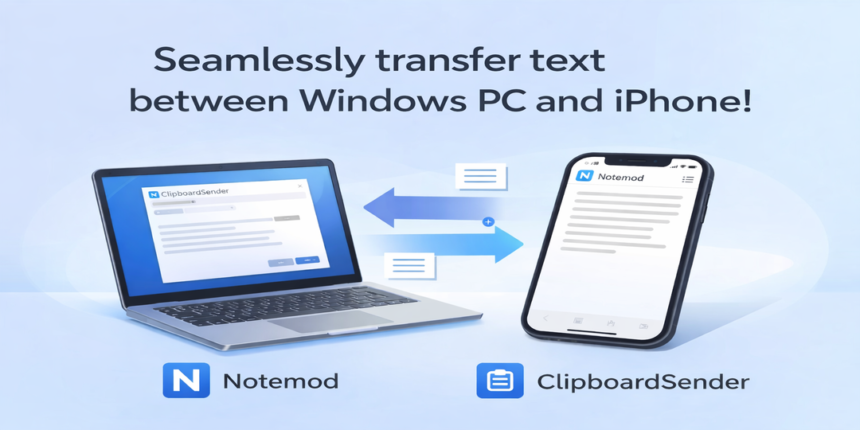
ClipboardSender + Notemod-selfhosted (Overview)
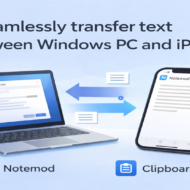
What you can do (You can paste text on your iPhone that you copied on your Windows PC)
- Copy text on Windows (Ctrl+C, etc.)
- ClipboardSender automatically sends it as a note (can be toggled ON/OFF with a hotkey)
- On iPhone, an iOS Shortcut fetches the latest note
- Paste on iPhone
What you can do (You can paste text on your Windows PC that you copied on your iPhone)
- Copy text on your iPhone
- Run a shortcut on your iPhone to send the text to Notemod-selfhosted
This shortcut can be triggered via Back Tap, the Action button, widgets, and more - Use the ClipboardSync hotkey on your PC to fetch the latest note and paste it
Background and motivation
This started from the frustration of copying text between an iPhone and a Windows PC.
With iPhone + Mac, clipboard sync is seamless and comfortable, but iPhone + Windows doesn’t provide the same experience. My initial motivation was to reduce that gap as much as possible.
For files such as images, videos, and audio, I still use my heavily customized BoZoN setup and I’m satisfied with it.
However, using BoZoN for text sharing felt too manual and required too many steps.
So I modified Notemod—originally designed to work only inside a single browser—to support syncing on shared hosting.
I operated it by keeping Notemod open in the browser on both iPhone and Windows. This helped, but keeping browsers open all the time was still a burden.
To reduce that burden further, I enabled sending text directly to Notemod via an API from iOS Shortcuts.
Once the API was in place, the iPhone no longer needed Notemod open in a browser, which was a clear improvement.
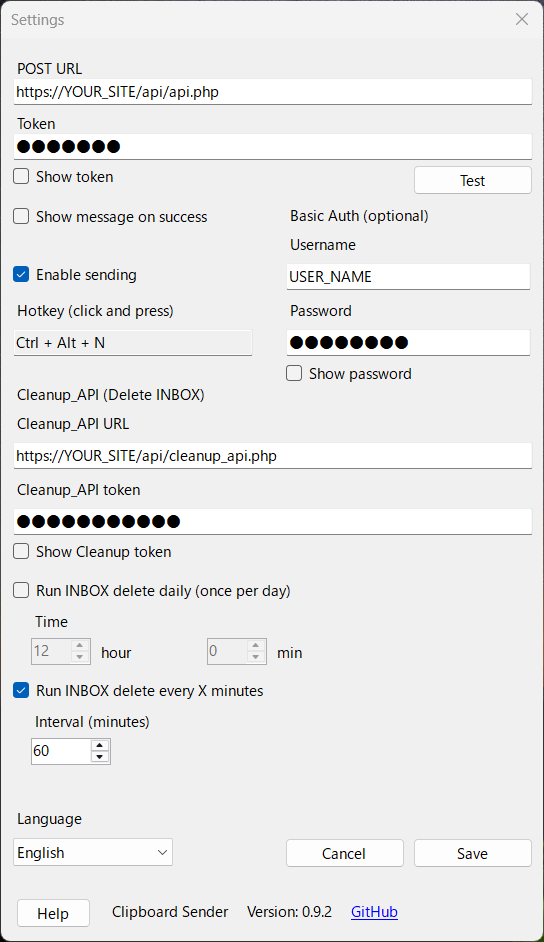
Next, I wanted Windows to send copied text automatically at the moment of copying, so I started developing a clipboard-sender app.
After completing the sender app, Windows also no longer needs Notemod open in a browser in most cases, making the workflow significantly smoother.
At the moment, the app mainly supports sending in the direction of Windows → Notemod (→ iPhone).
To receive text from iPhone → Windows, you still need to open Notemod in a browser on Windows.
But since the most common use case is “copy on Windows, paste on iPhone,” the overall experience has improved a lot in practice.
Two-way syncing remains a future goal, but for now I’d like to share this working setup as a practical milestone.




No comments yet.